
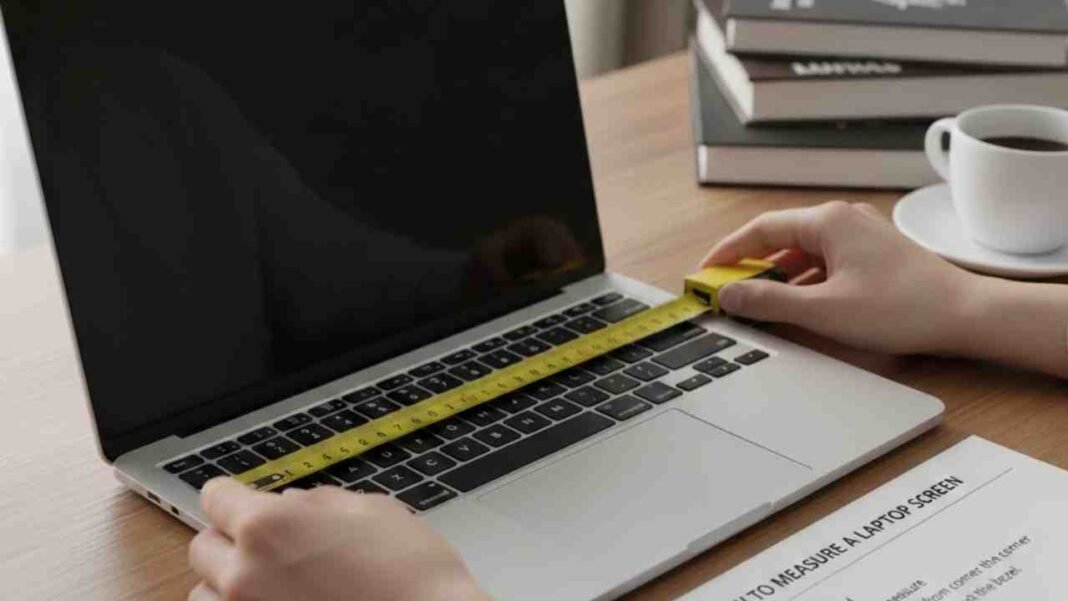

Knowing your laptop’s exact size before you buy a bag, sleeve, or even a new desk can really come in handy. People tend to focus on the screen size, but there’s more to it. A laptop’s size means its screen, how wide and deep it is, and how thick. Getting the right measurements assists you pick the correct stuff and be sure your device fits where you want it.
Laptop size is import when you’re traveling since planes, backpacks, and offices don’t have a ton of space. A too-big laptop might be a pain to lug around or stash. If you learn to measure your laptop right, you can skip those annoying little issues and make smarter buys down the line.
Lorem ipsum dolor sit amet, consectetur adipiscing elit. Ut elit tellus, luctus nec ullamcorper mattis, pulvinar dapibus leo.
How to Measure the Screen Size Correctly
Laptops are usually talked about by their screen size. It’s shown in inches (think 13-inch, 15.6-inch, or 17-inch). But how they get that measurement throws some people off. Laptop screens get measured from one corner to the opposite corner, not straight across or up and down.Grab a ruler or measuring tape to do it. Put it at the bottom corner of the screen and stretch to the top corner on the other side. Just measure the screen part, not the plastic around it. The number of inches you get is your laptop’s official screen size.If you’re using centimeters, swap to inches by dividing by 2.54. So, if you get 39.6 centimeters, your screen is about 15.6 inches. This way works best to get it right.
Finding the Width, Depth, and Thickness
Only knowing the screen size won’t tell you how big your laptop is; you should measure width, depth, and thickness. These numbers help when finding bags and stands.Close your laptop. Measure from left to right to find the width. Measure from front to back for the depth. Then, measure how thick it is on the side.Newer laptops can be super thin, while gaming laptops tend to be thicker. Knowing this helps you see if your laptop is easy to carry.
Tips for Measuring Right and Mistakes to Avoid
Lay your laptop on a flat surface before you start. If you hold it, you could mess up the measurement. Use a straight ruler or tape measure and keep it flat.People mess up by measuring the bezel (the border around the screen). Also, avoid guessing the size. Models of the same laptop might be a bit different.Write down the numbers you get and save them. It’ll be easy to shop for things later. When you buy online, see if your numbers match what they’re selling so you know it fits.