
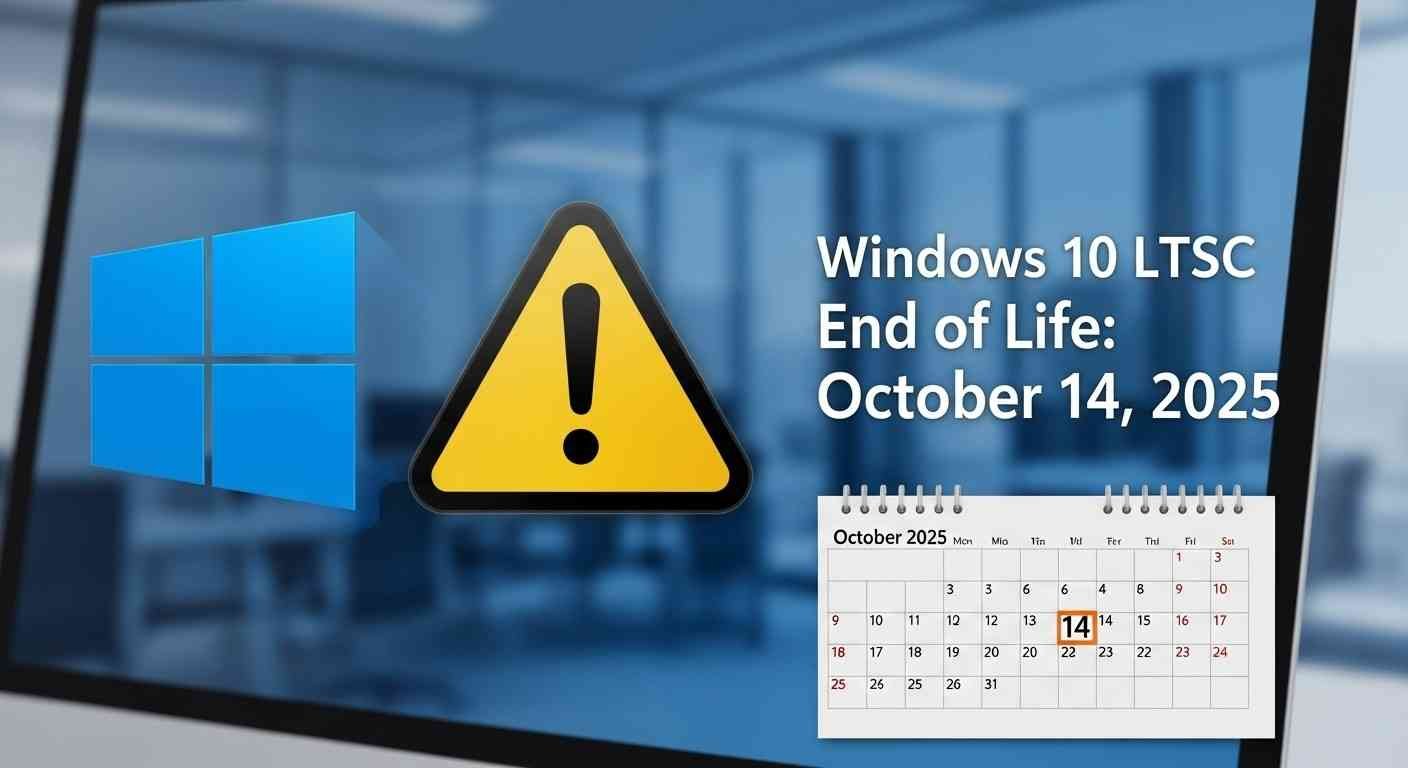

Okay, so it looks like one of Microsoft’s most reliable operating systems is reaching its end.Windows 10 LTSC, which is made to be super stable and stick around for a while, is almost done.For years, companies, hospitals, and folks using Internet of Things gadgets have liked LTSC because it’s reliable, not because it has a bunch of fancy, new updates.However, now that Microsoft is actively promoting newer platforms and new builds, users are gearing up for the end of life for legacy LTSC versions.So, what is this actually, and how will it impact those still on Windows 10 LTSC? Let’s explain it in easy terms.
Topics covered
What Is Windows 10 LTSC Exactly?
Windows 10 LTSC is Long-Term Servicing Channel. It’s a special business version of Windows that is all about keeping it consistent and performing instead of updating lots of times.While the standard Pro and Home editions of Windows 10 get feature updates every couple of months, LTSC customers receive merely security and stability updates — and those keep coming for as long as 10 years after the release date of that specific version.This method makes LTSC ideal for environments where stability is not negotiable — hospital equipment, ATMs, factories, or defense monitoring rooms come to mind. You don’t want some random update trashing your configuration overnight, do you? That’s where LTSC comes in.These versions are based on certain Windows 10 builds, each with its own support period and end-of-life calendar.
Windows 10 LTSC Versions and End-of-Life Dates
Microsoft has made multiple LTSC versions available over the years, and each of these has existed for about a decade. Below is a simple breakdown of all the big releases and when support for each will officially expire:
| Version | Release Year | End of Life (EOL) Date |
|---|---|---|
| Windows 10 Enterprise LTSC 2015 | 2015 | October 14, 2025 |
| Windows 10 Enterprise LTSC 2016 | 2016 | October 14, 2026 |
| Windows 10 Enterprise LTSC 2019 | 2018 | January 9, 2029 |
| Windows 10 Enterprise LTSC 2021 | 2021 | January 12, 2032 |
| Windows 10 IoT Enterprise LTSC 2021 | 2021 | January 13, 2032 |
The original 2015 LTSC release is coming close to end of life — support terminates on October 14, 2025.That is, no updates, security patches, or Microsoft support. Organizations using that release have about a year to transition before it gets out of date and open to attack.
What Happens After End of Life?
When an LTSC build has passed its end-of-life date, Microsoft no longer delivers updates, patches, or technical support.Here’s what that actually means to users and businesses:
- No more security updates: Your computer is more vulnerable to being hacked or infected.
- No software compatibility: New apps and drivers may not be compatible.
- No official support: Microsoft will not provide troubleshooting or fixes.
- Increased compliance risks: Companies in regulated sectors may run into trouble for using unsupported software.
In brief, you are free to continue using Windows 10 LTSC beyond its EOL date, but it’s not advisable — particularly if your computer processes sensitive information or is online.
Windows 11 LTSC Comes Next
LTSC fans have some great news. Microsoft has already announced the next Windows 11 LTSC, which is arriving sometime in the second half of 2024.The new LTSC edition keeps what people liked – stability, not many updates, and long support. Plus, it gets better performance, a fresh look, and security from Windows 11.This Windows 11 LTSC edition is probably for businesses and IoT stuff. So, it’s great if your company wants systems that last but doesn’t need constant changes.So, for companies already on Windows 10 LTSC 2015 or 2016, it’s the best time to start planning and gearing up for the transition.
Why LTSC Still Matters
Despite Microsoft’s forward momentum, LTSC is still very much in demand across industries. Here’s why numerous companies still trust it:
- Stable environment: LTSC steers clear of regular updates, so fewer interruptions.
- Performance-oriented: No extraneous apps or features — just the bare necessities.
- Long-term support: Up to 10 years of updates for each version.
- Businesses trust it, mostly in manufacturing, healthcare, and factories.
It’s great for IoT and works well with those little computer thingies that are always on.Basically, LTSC isn’t about being cool; it’s about being dependable.
Want to know which LTSC version you have? It's simple:
- Hit Windows + R to get the Run box.
- Type winver and hit Enter.
- A window will pop up showing your version and build info.
Once you know your build, check it against Microsoft’s support dates to see when it stops getting updates.If you’re running the 2015 or 2016 editions, it’s time to start planning your next step.
Upgrade Options Before the Deadline
As the Windows 10 LTSC end of life approaches, users and organizations have some wise upgrade alternatives:
Upgrade to Windows 10 LTSC 2021:
- Provides support up to January 2032, providing you with another 10 years of dependability.
- Best suited for devices that aren’t ready to switch to Windows 11 just yet.
Get ready for Windows 11 LTSC:
- Coming soon, with the latest security and cloud capabilities.
- Good for planning what’s next and making sure things work with new gadgets.
For little gadgets and things inside other things:
- Like Windows 10 IoT Enterprise LTSC 2021, which is made for connected devices and factories.
No matter what you pick, test important stuff before changing things up. This way, you won’t get any nasty surprises, and things will keep going well.
How This Change Will Impact Companies
For companies, this change isn’t just a software update. It’s Microsoft moving everyone to a single Windows setup that works with the cloud.
Microsoft is ending support for older LTSC versions to push businesses to update to newer ones. These new versions just work better with cloud stuff, Microsoft 365, and the latest security features.Sure, it takes some planning and work, but there are good things too: strong security, better speed, and it works with today’s business programs.
Final Thoughts
The soon-to-be sunset of Windows 10 LTSC is a significant milestone in Microsoft’s history. The old system’s going away, which means it’s time for some simpler and newer platforms to shine!If you’re in IT, a developer, or running a business that use LTSC, check your version and note when it expires. Then, plan what to do next.It’s better to switch to Windows 10 LTSC 2021 or Windows 11 LTSC sooner rather than later.Remaining on an unsupported version puts you at risk for security, stability, and compliance issues — and that’s never a good thing.Microsoft is ending support for its older LTSC versions, but its efforts to offer long-term, reliable systems to the world of enterprises aren’t stopping anytime soon. The way forward for LTSC is bright — just newer, smarter, and more secure than before.